
Existing Palo Alto GlobalProtect Agent Portal
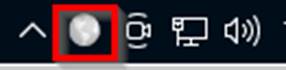
1. Click the GlobalProtect Agent Globe icon located on
the Taskbar
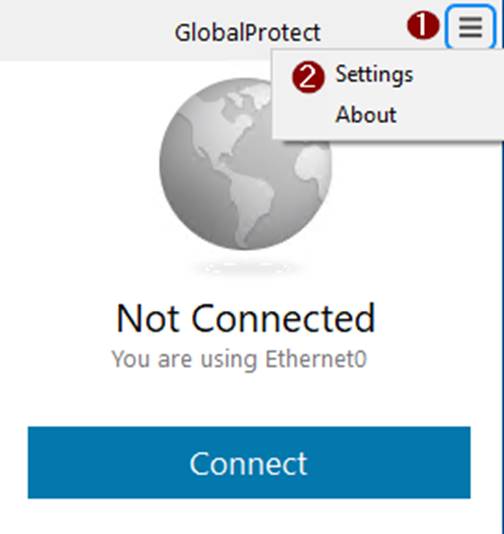
2. Click the Three Bars Icon then Settings
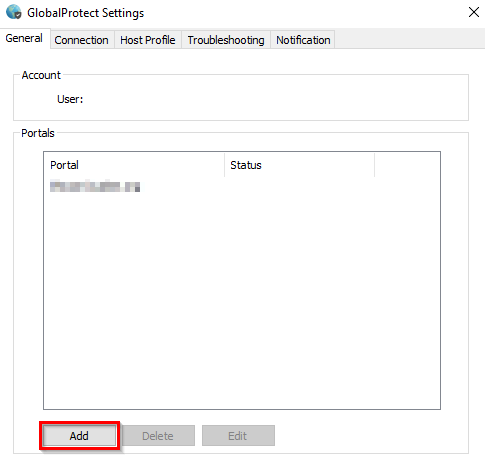
3. Click the Add button to add the Kuakini Portal
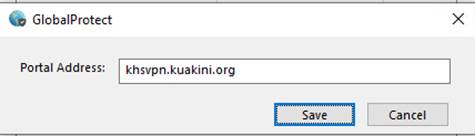
4. Enter khsvpn.kuakini.org
in the Portal Address then click Save
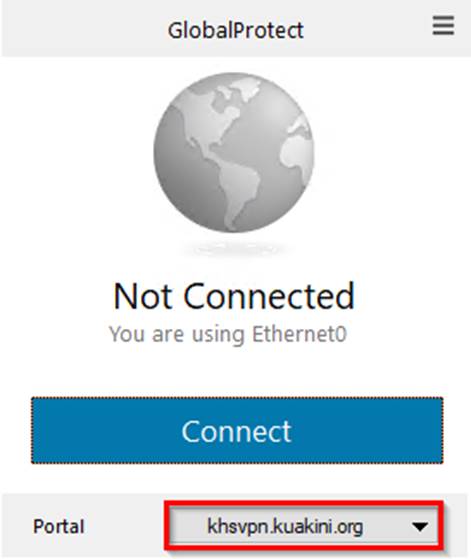
5. Click the Down Arrow to Select the Portal that you
wish to connect to